Product launch
Meet the PureLink S1 Smart Salt Monitor
Forgot to check the salt in your water softener? The PureLink S1 sends a low-salt reminder to your phone so you know when to refill the tank.
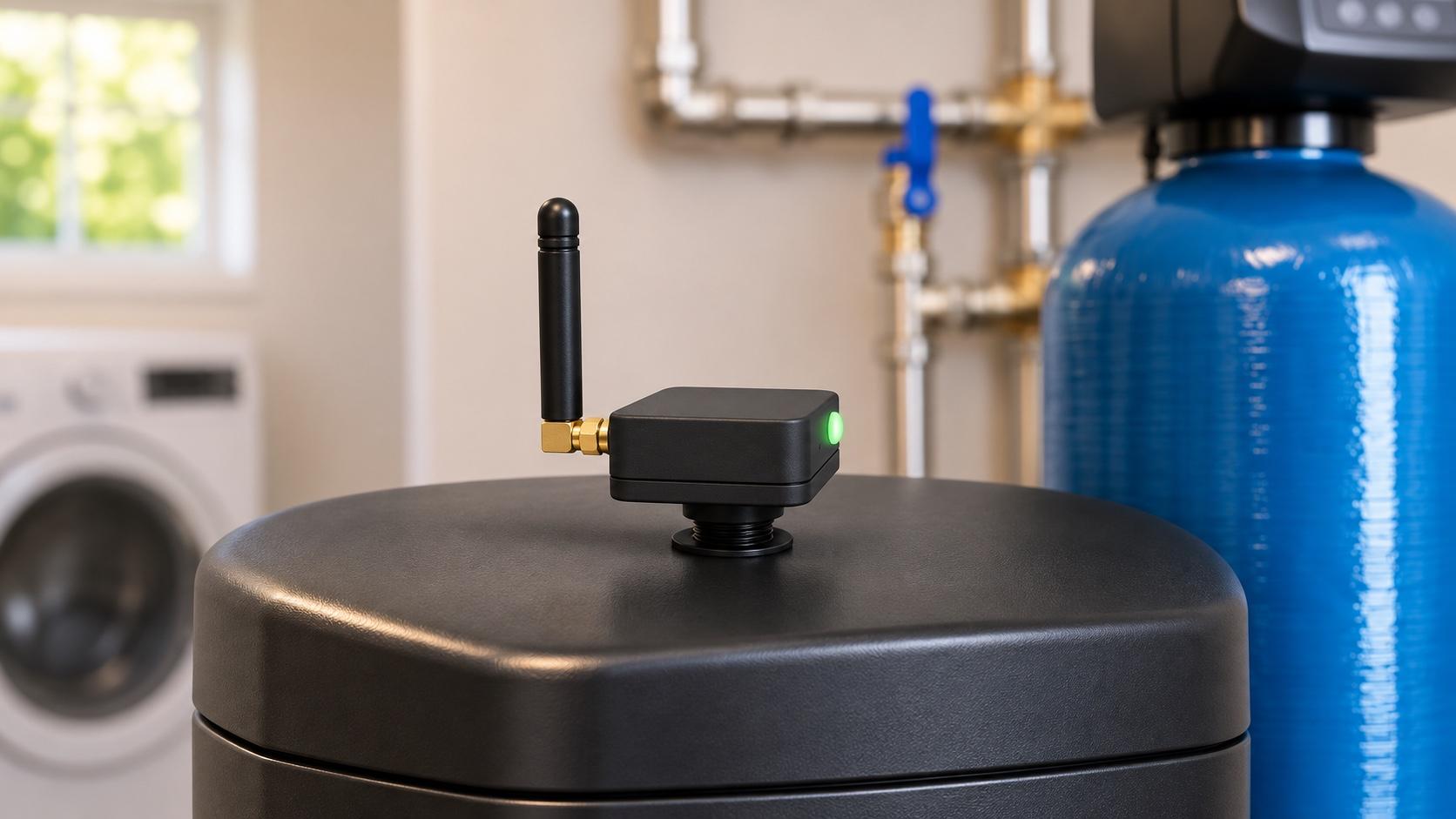
Picture yourself at the store, looking at a bag of softener salt. Do you need it this week? Open the Smart Life app to see the estimated level in your brine tank before you decide whether to pick up a bag.
What happens when salt runs low?
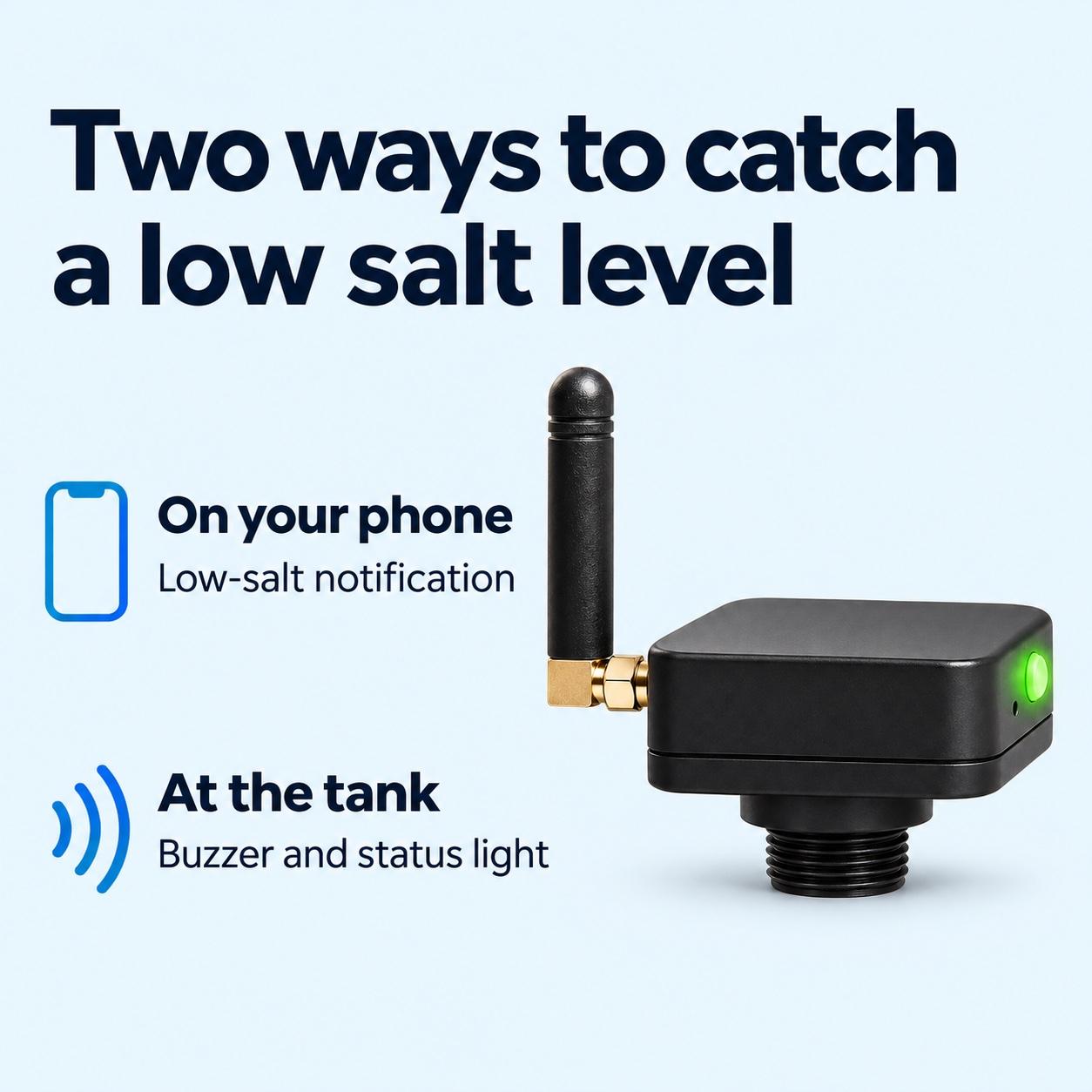
The S1 can send a low-salt notification to your phone. If you’re near the softener, you can also hear its built-in buzzer and see the status light. When you get a reminder, lift the lid to check the salt and refill to the level recommended for your softener.
How the S1 reads the tank
The S1 mounts on a compatible brine tank lid, with its sensor facing the salt. It sends a pulse of light towards the salt surface and measures how long the reflection takes to return. As the salt drops, that distance grows. The app uses the reading to show an estimated fill level.
Think of it as a view under the lid. If the salt forms a hard crust with an empty space underneath, the sensor can still see the crust. If the reading stays high while the water starts to feel hard, check the tank and follow your softener’s maintenance guide.
Will it fit my softener?
The S1 is designed for salt-based softeners with a brine tank. Before ordering, check the shape of your lid and whether your home Wi-Fi network reaches the tank location. Have your softener’s make and model handy. A photo of the lid will help our team check the mounting position and clearance.
For help checking your tank lid, talk to Water Doctor.